Page
Verify the installation
This lesson focuses on validating the success of the GitOps-driven deployment by checking the Argo CD Application's sync status and confirming the health of the OpenShift Data Foundation (ODF) Storage Cluster via the Red Hat OpenShift console or command-line tools.
In this lesson, you will:
- Verify the successful, declarative deployment of the ODF Operator and Storage Cluster by using Argo CD status checks and the OpenShift console.
Verify the process
After all YAML manifests have been pushed into Git and the Argo CD application has been created, it is time to verify the GitOps process.
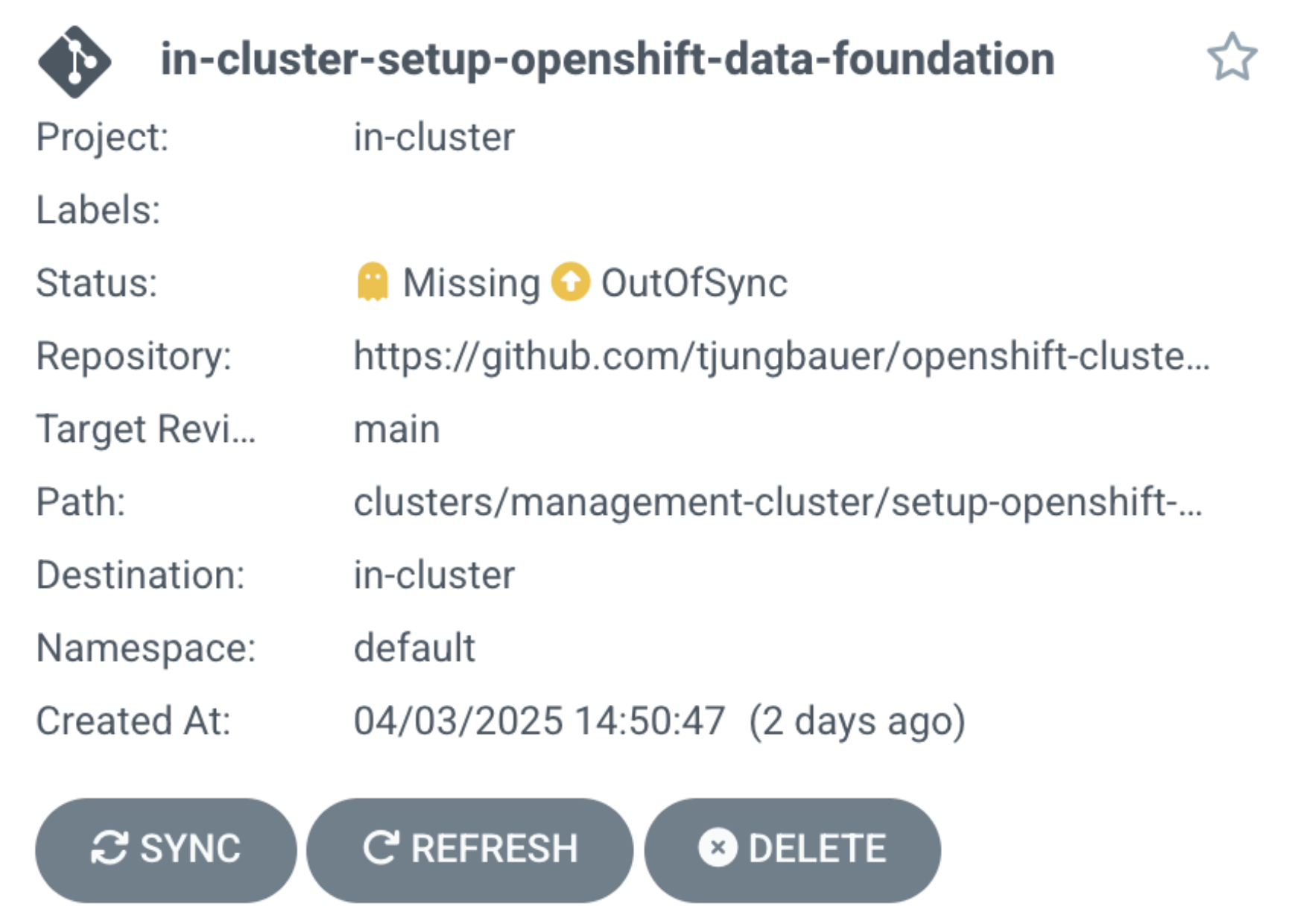
In Argo CD, you will see a window similar to Figure 1:
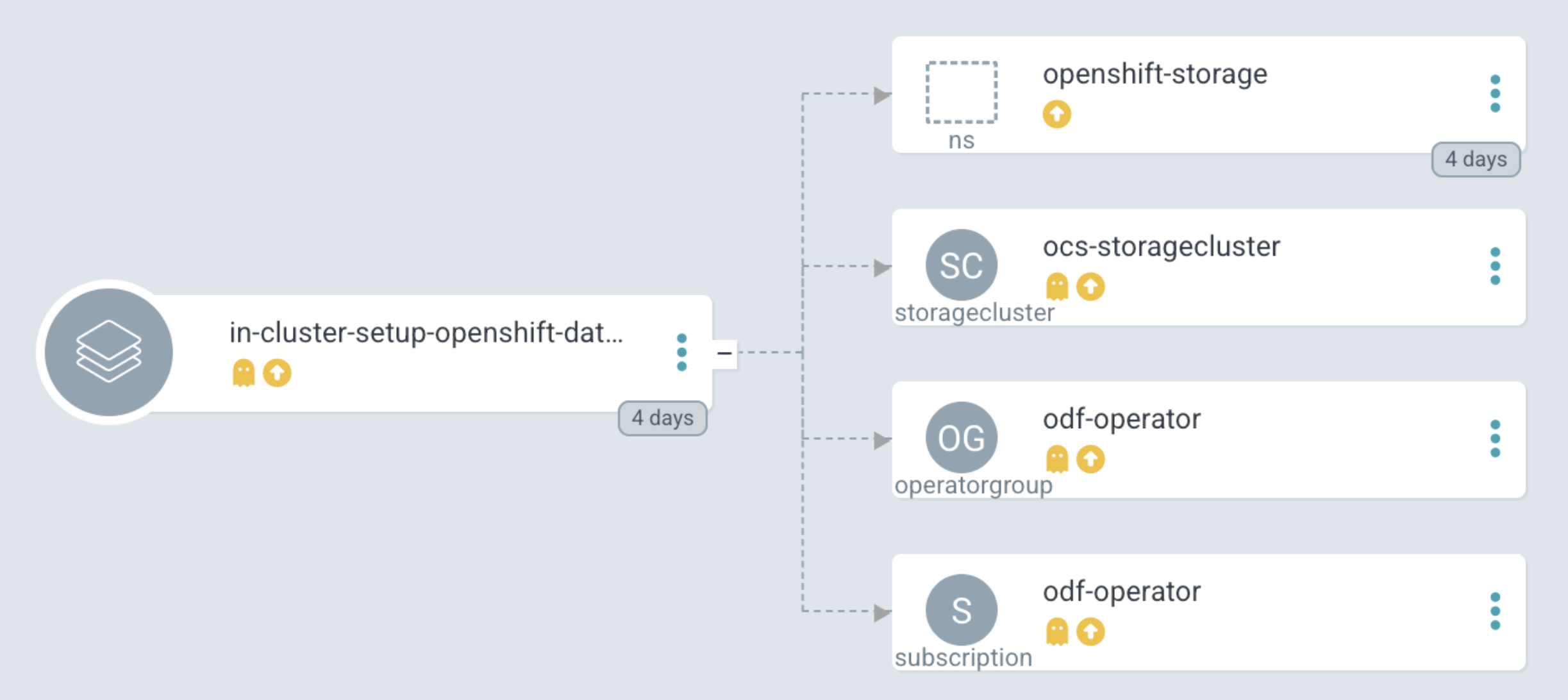
GitOps will create the objects (Figure 2).
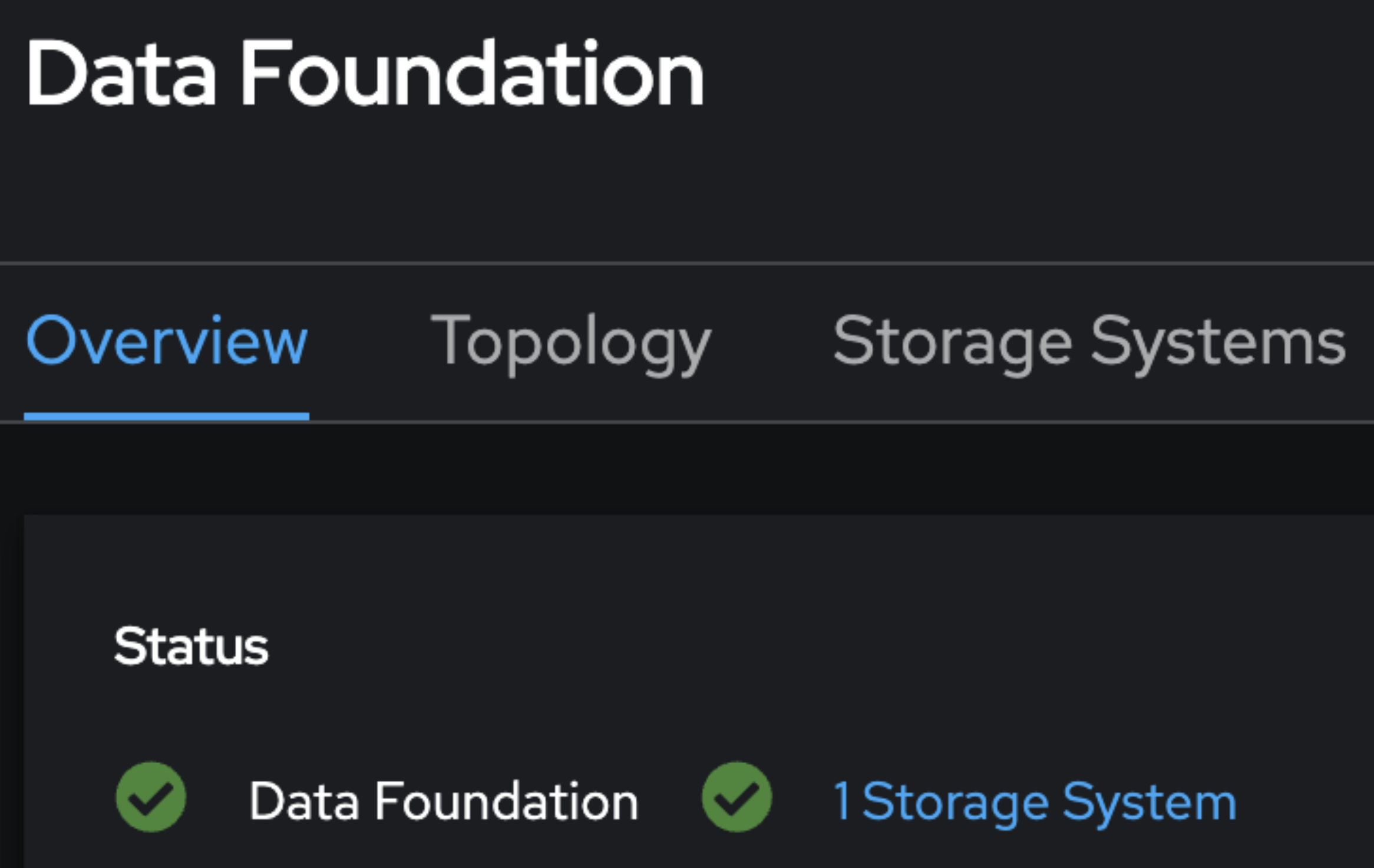
Synchronize the GitOps Application and wait several minutes until the storage has been fully configured. In OpenShift, the storage will be available after a brief period (Figure 3).
Ok. You have verified the process. Now it's time to move on to the next lesson and deployment examples.

