Red Hat is continually enhancing the customer experience on public cloud platforms. There have been significant changes in Red Hat Subscription Management auto-registration version 2, enabled by default on AWS Marketplace AMIs starting with Red Hat Enterprise Linux 9.7 and 10.1 (RHEL). Enabled in newly shipped RHEL 9.7 and RHEL 10.1 marketplace AMIs sold by Red Hat, there are many changes in auto-registration designed to improve user experience.
What's new in auto-registration v2?
Auto-registration v2 builds upon the foundation of the original feature with several key enhancements designed to simplify the Red Hat Subscription Management user experience in registration and services use.
Anonymous registration
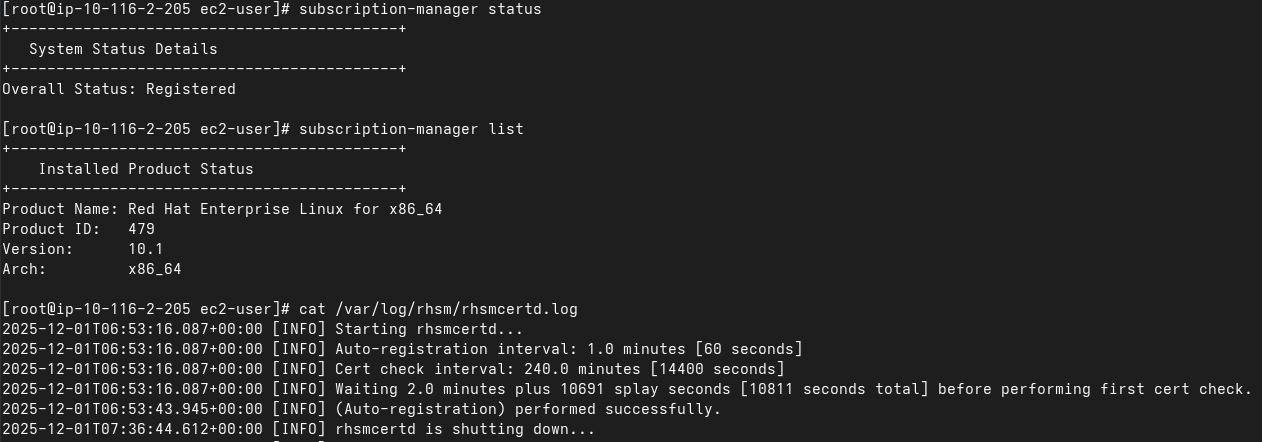
In the past, a Red Hat account has been required to link to your cloud provider account for auto-registration to work. With auto-registration v2, RHEL instances can now register to an anonymous Red Hat organization specific to the cloud provider account, even if a Red Hat account has not been linked. This means you can launch a RHEL instance from the AWS Marketplace and it will be automatically registered and ready to receive updates with no prior configuration.
Claiming your systems
After purchasing a RHEL subscription from the AWS Marketplace, you can claim the anonymous organization and the systems within it by connecting your cloud provider account to your Red Hat account.
This process is now straight-forward: You receive a post-purchase email from AWS with a link to connect your accounts. Following this link guides you through a simple process to link your AWS and Red Hat accounts, transferring your systems from the anonymous organization to your own.
Defaulting to the CDN
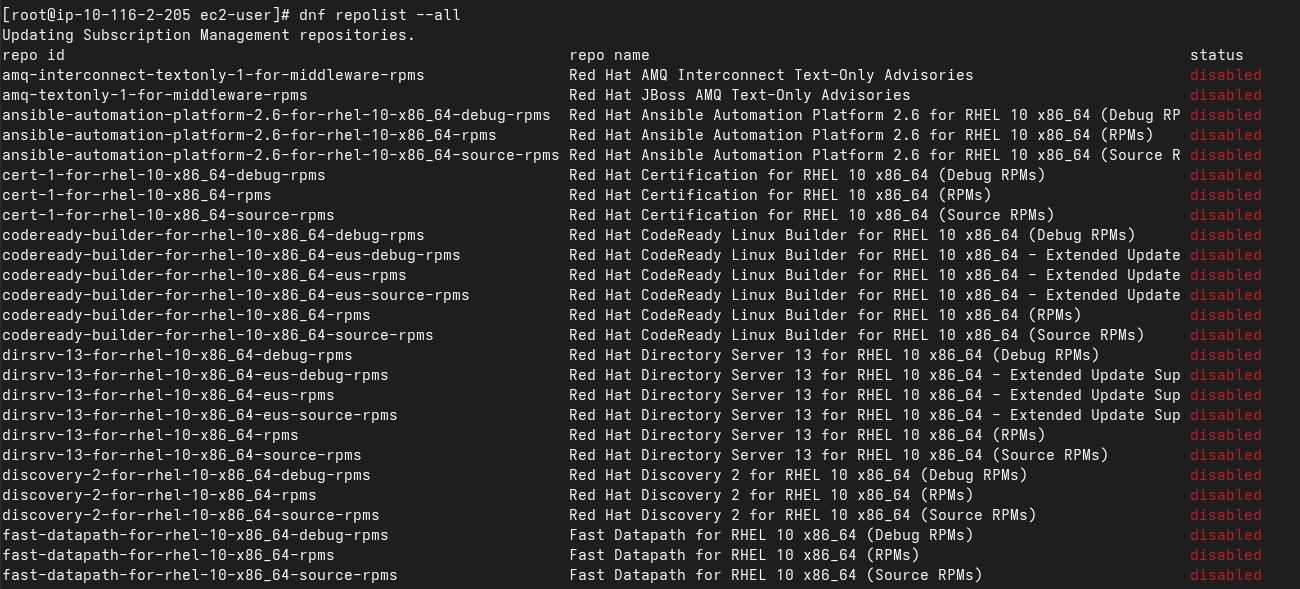
A major enhancement in auto-registration v2 is the move to using the Red Hat CDN by default for content updates, with the Red Hat Update Infrastructure being turned off. This provides a more direct and often faster way to receive updates and patches, ensuring your systems remain updated with the latest security fixes and features.
How auto-registration v2 improves the AWS experience
The improvements in auto-registration v2 create a smoother and integrated experience for RHEL users on AWS.
Effortless onboarding
The "out-of-the-box" experience is significantly improved. You can launch a RHEL instance from the AWS Marketplace and start using it immediately, without worrying about registration.
Consistent access to Red Hat services
Once you've connected your AWS and Red Hat accounts, your systems will automatically have access to the full suite of Red Hat services, including Red Hat Lightspeed, subscription management, and the Red Hat knowledge base.
Simplified subscription management
Auto-registration v2 simplifies the management of your RHEL subscriptions in the cloud, making it easier to track usage and ensure compliance.

Getting started with auto-registration v2 on AWS
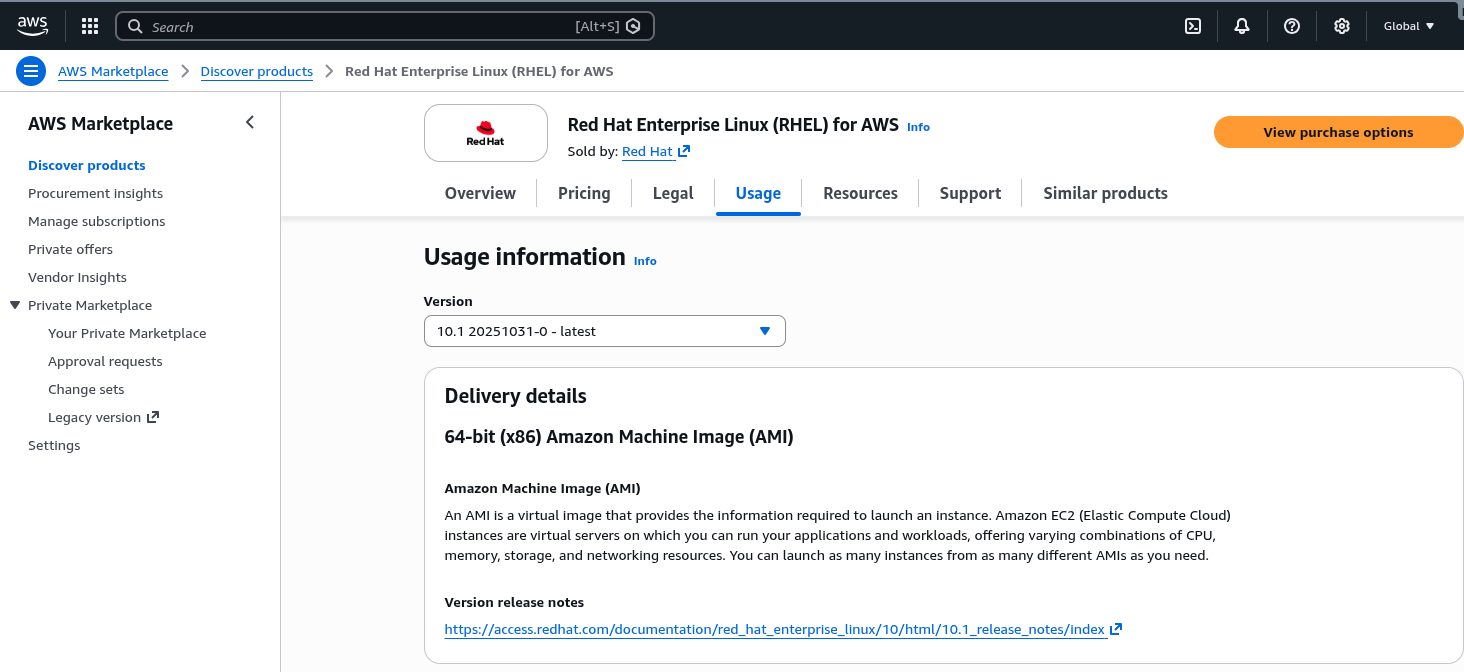
To take advantage of auto-registration v2, you must be using an image of RHEL 9.7 or later from the AWS Marketplace. Here's a simple workflow to get started:
1. Purchase a RHEL subscription from the AWS Marketplace
2. Launch a RHEL 9.7+ instance
The instance automatically registers to an anonymous organization.
3. Connect your accounts (optional)
Look for a post-purchase email from AWS with a link to connect your AWS and Red Hat accounts. Follow the instructions to complete the process.
4. Use RHEL on AWS
That's it! Your systems are now registered to your Red Hat account and automatically receive updates from the Red Hat CDN.
Conclusion
Auto-registration v2 is a significant step forward in simplifying the management of Red Hat Enterprise Linux on AWS. By removing the friction of manual registration and providing a consistent experience, Red Hat has made it easier for you to take full advantage of your Red Hat Enterprise Linux subscriptions on AWS. With features like anonymous registration and defaulting to the CDN, auto-registration v2 is an effective tool for any organization running Red Hat Enterprise Linux on AWS.
For more information, read Understanding auto-registration version 2.

