Page
Get started with Red Hat Developer Hub with Red Hat Ansible Automation Platform integrations
Now that our infrastructure is in place, developers can get to work without multiple sign-ons and execute complex automation tasks without ever leaving the portal. Not sure how to get started? This Lesson shows you how Red Hat Developer Hub (Developer Hub) acts as the self-service front-end for your automation ecosystem.
Prerequisites:
- Integrate and run Red Hat Developer Hub with the Red Hat Ansible Automation Platform plugins loaded (Lesson 9).
- The Red Hat build of Keycloak must have active user accounts (e.g.,
rhdp-admin) with appropriate permissions in the Developer Hub realm.
In this lesson, you will:
- Explore the synchronized Ansible Automation Platform catalog within Developer Hub.
- Launch an automation job template and monitor real-time execution logs directly from Developer Hub.
Use Developer Hub with Ansible Automation Platform under a single sign-on (SSO)
Start in the Ansible Automation Platform console.
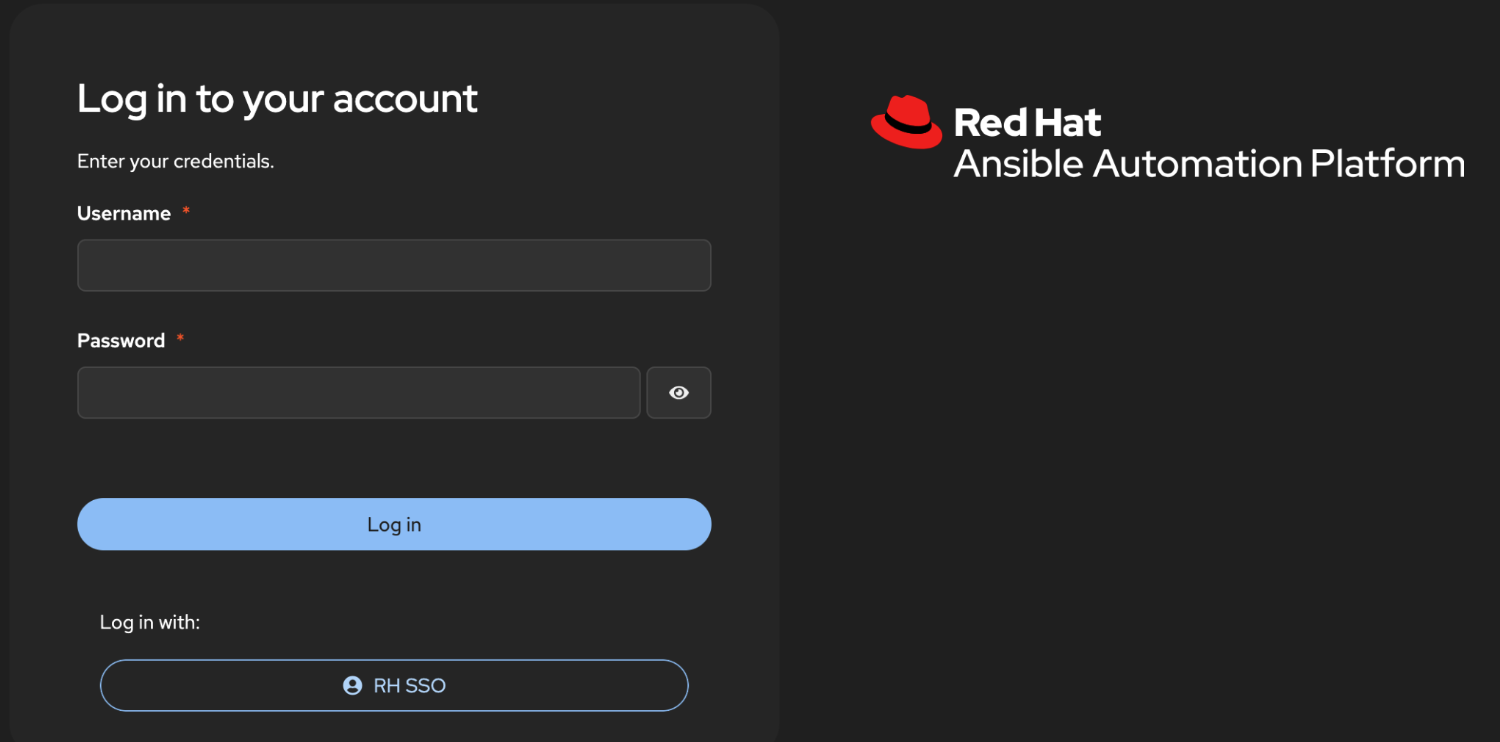
Select RH-SSO. The familiar Keycloak login appears, so users can reuse the same enterprise identity they already trust (Figure 1).
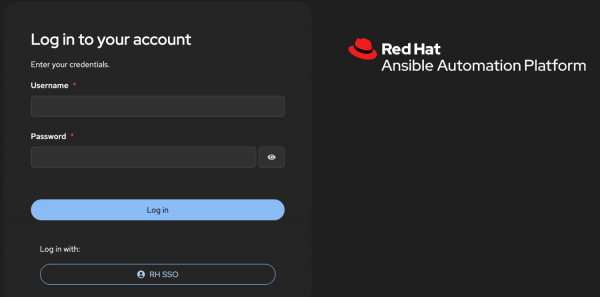
Figure 1: Ansible Automation Platform login page with RH-SSO authentication option. - After the Ansible Automation Platform session is established, developers follow the link back to Developer Hub.
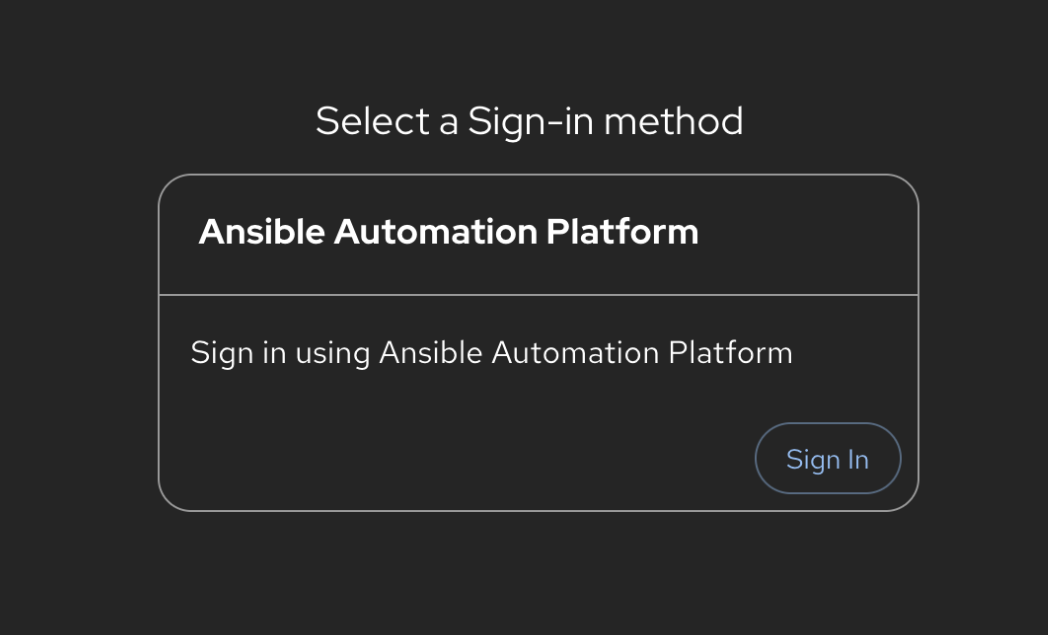
The portal now offers a Sign in using Ansible Automation Platform entry point—the same credentials, the same session, no surprise prompts (Figure 2).
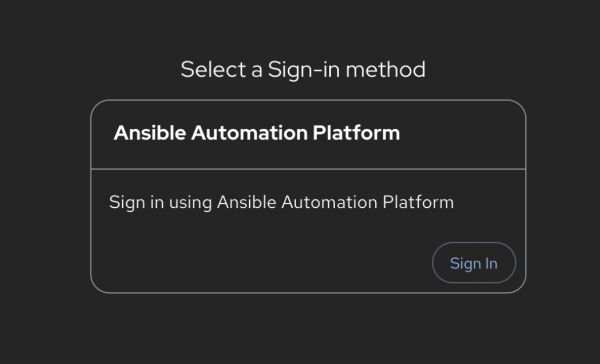
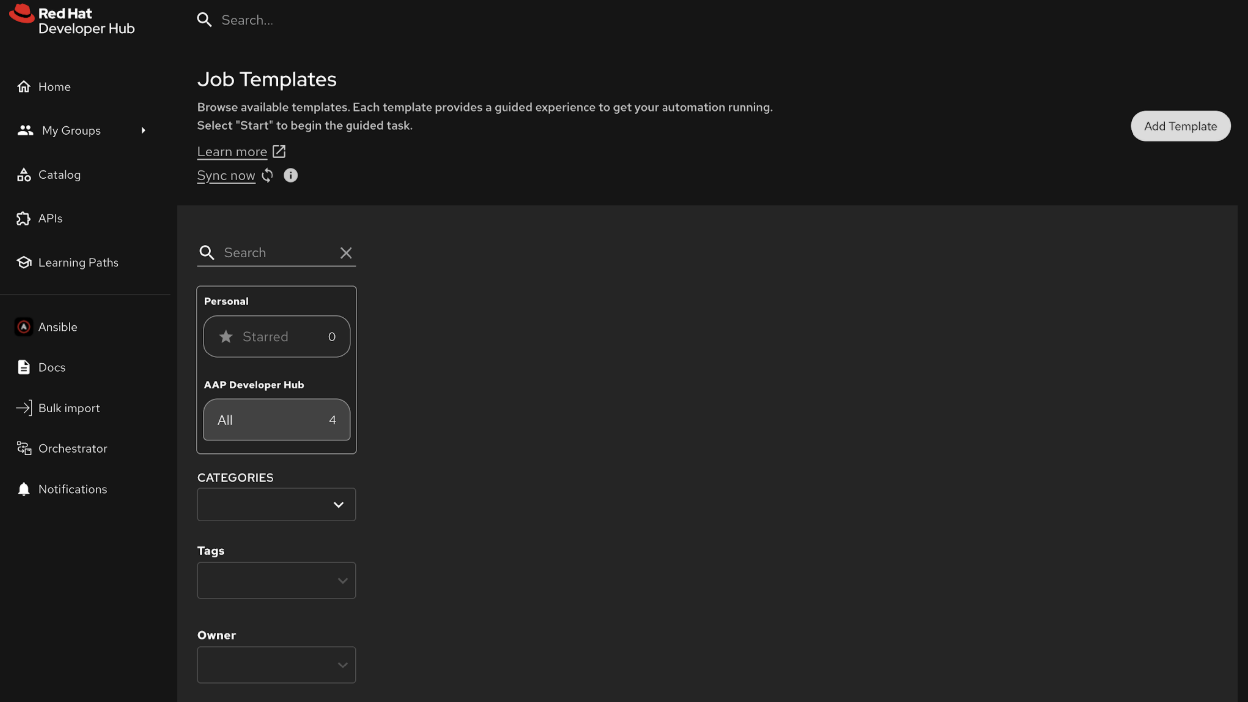
Figure 2: Developer Hub sign-in page with Ansible Automation Platform option. Because the OAuth already exchanged tokens behind the scenes, Developer Hub opens directly to the Ansible Automation Platform experience. The landing page confirms that the session is active and ready to make API calls on the user’s behalf (Figure 3).
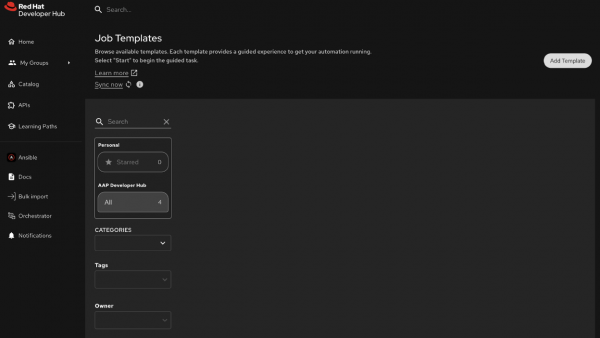
Figure 3: Developer Hub landing page with Ansible Automation Platform integration active and session established.
Launch your first job template
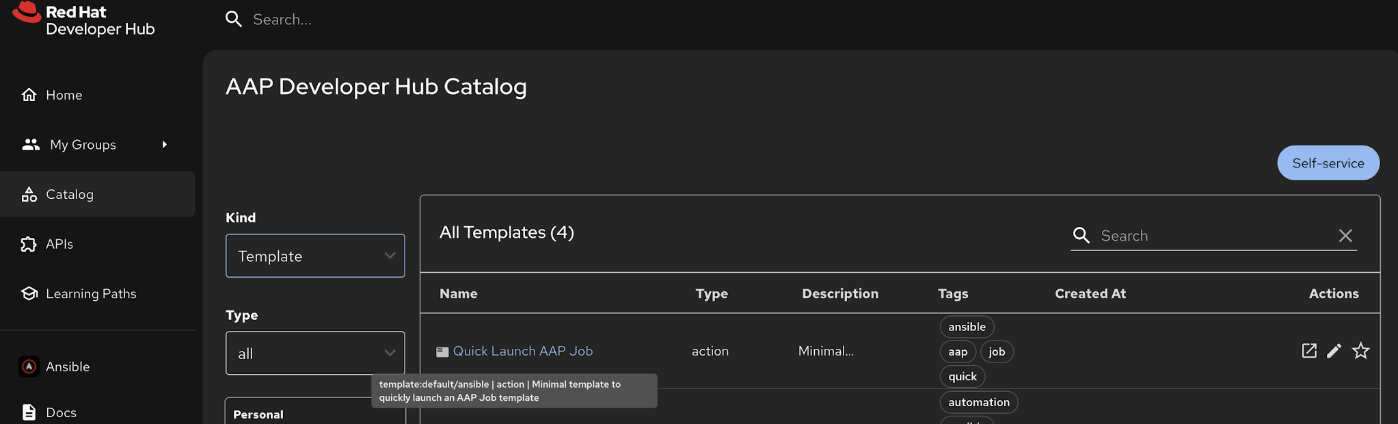
To prove everything works end-to-end, the installation comes with a ready-made template. From the left navigation, choose Catalog → Templates, and you’ll see the curated Quick Launch entry (Figure 4).
Figure 4: Developer Hub Catalog Templates view with Quick Launch entry. If you’re bringing your own Ansible Automation Platform environment, no extra clicks are required. The Ansible Automation Platform catalog provider continuously syncs job templates into Developer Hub. Opening the Job Templates tab reveals whatever lives in your controller today (Figure 5).

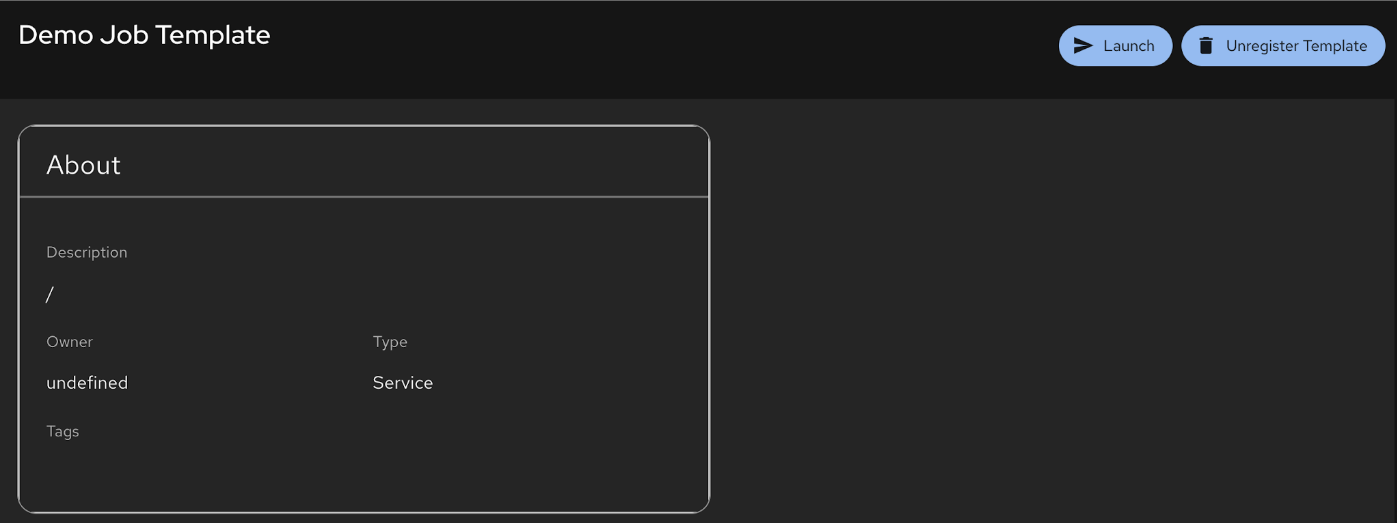
Figure 5: Developer Hub Job Templates tab showing synced templates from Ansible Automation Platform Selecting a template brings up rich metadata (description, owner, type, tags) so teams can verify they picked the right automation before hitting the big blue button (Figure 6).
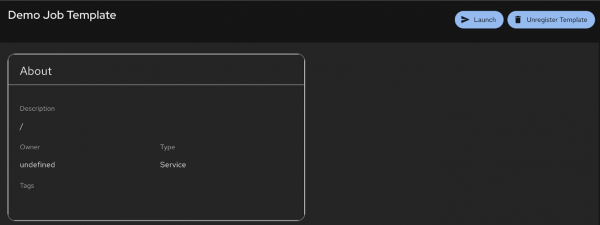
Figure 6: Job template details page with metadata and launch button. When you press Launch, the Ansible Automation Platform provider automatically injects the OAuth token gathered during the sign-in process, then streams the run output back to the UI. You can watch the playbook progress, track task execution, and confirm host status without leaving the portal (Figure 7).
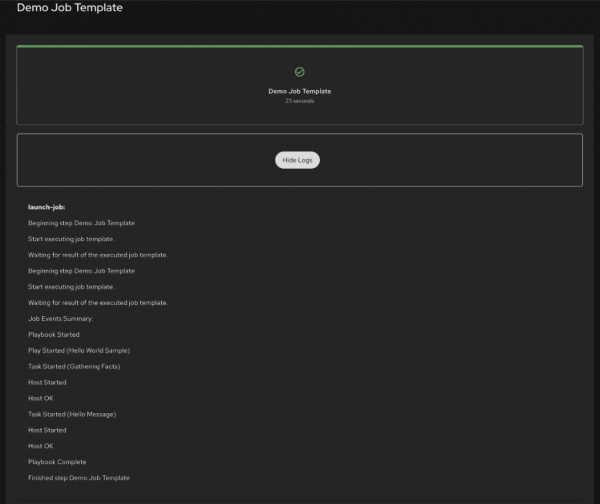
Figure 7: Job launch execution output showing playbook progress and task status.

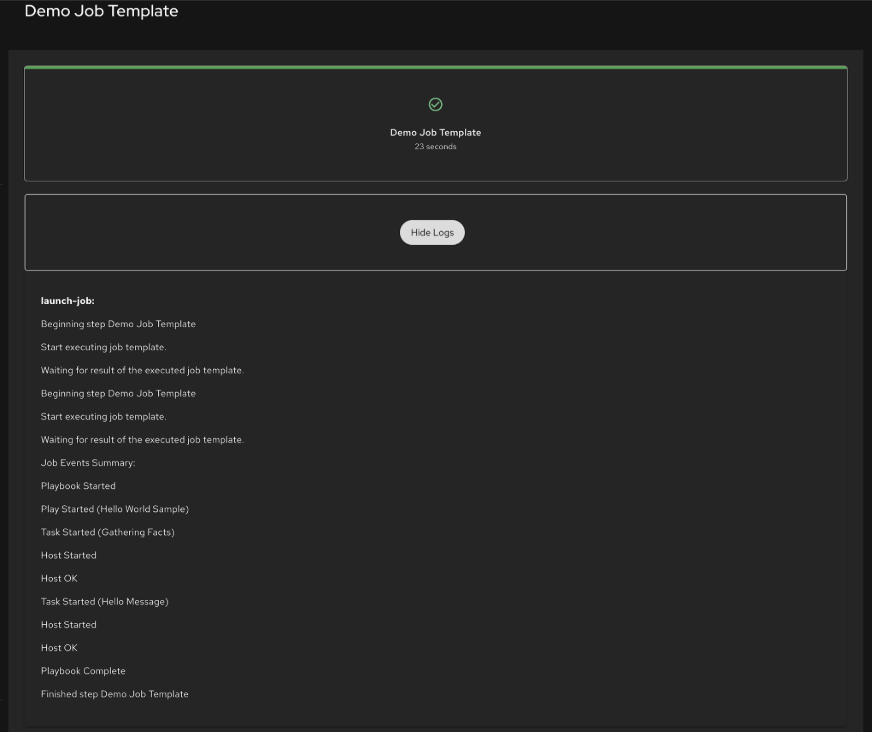
Success! By unifying identity management and surfacing automation directly within the developer's primary workspace, you have eliminated the "context switching" that often slows down engineering teams. Developers can now provision infrastructure, deploy applications, and manage resources with a single set of credentials and a single interface.
Conclusion | Learning path summary
In this learning path, we’ve built a complete single sign-on (SSO) integration between Red Hat Developer Hub (Developer Hub), Red Hat Ansible Automation Platform, and the Red Hat build of Keycloak. Here’s what we accomplished:
- Deployed the infrastructure: Installed Ansible Automation Platform, the Red Hat build of Keycloak, and Developer Hub operators with their respective instances on Red Hat OpenShift.
- Configured the Red Hat build of Keycloak: Set up an OIDC client for Ansible Automation Platform to enable federated authentication.
- Integrated Ansible Automation Platform with SSO: Connected Ansible Automation Platform to use the Red Hat build of Keycloak as its identity provider, allowing users to authenticate with centralized credentials.
- Created OAuth application: Configured Ansible Automation Platform as an OAuth provider for Developer Hub, enabling token-based API communication.
- Deployed Developer Hub with Ansible Automation Platform plugins: Installed and configured the plugin suite including authentication, catalog sync, scaffolder actions, and self-service portal.
- Enabled end-to-end workflow: Demonstrated how developers can authenticate once and launch Ansible Automation Platform automation directly from Developer Hub.
The key benefits of this integration include:
- Single sign-on: Users authenticate once and gain access to both Ansible Automation Platform and Developer Hub.
- Token-based security: OAuth tokens are automatically managed and injected for API calls.
- Catalog synchronization: Ansible Automation Platform resources (job templates, inventories, projects) are automatically synced to Developer Hub’s catalog.
- Self-service automation: Developers can trigger Ansible Automation Platform automation without direct Ansible Automation Platform access.
- Centralized identity management: User identities and permissions are managed in a single place.
This architecture provides a solid foundation for building a developer portal that empowers teams to consume infrastructure automation in a governed, self-service manner.

