Page
Set up the 5G core testing pipeline
Now that we have our environment ready, let’s set up Red Hat OpenShift Pipelines (YAML files available here). This lesson focuses on automating the rollout and testing of Open5GS, an open source 5G core implementation.
Prerequisites:
- Create a persistent volume claim (PVC) and Red Hat Ansible Automation Platform credentials in a new pipelines project.
- Add the
cluster-adminrole to the pipeline service account. - Configure inbound and outbound Red Hat Quay repositories.
- Configure ABot with the correct properties files.
- Integrate Slack notifications into the testing pipeline.
In this lesson, you will:
- Prepare the tasks for the pipeline on your Red Hat OpenShift cluster.
- Create a new pipeline from the YAML file.
Create the tasks for the pipeline
Create the following tasks in your OpenShift cluster using the OpenShift console or the oc CLI (YAML available here).
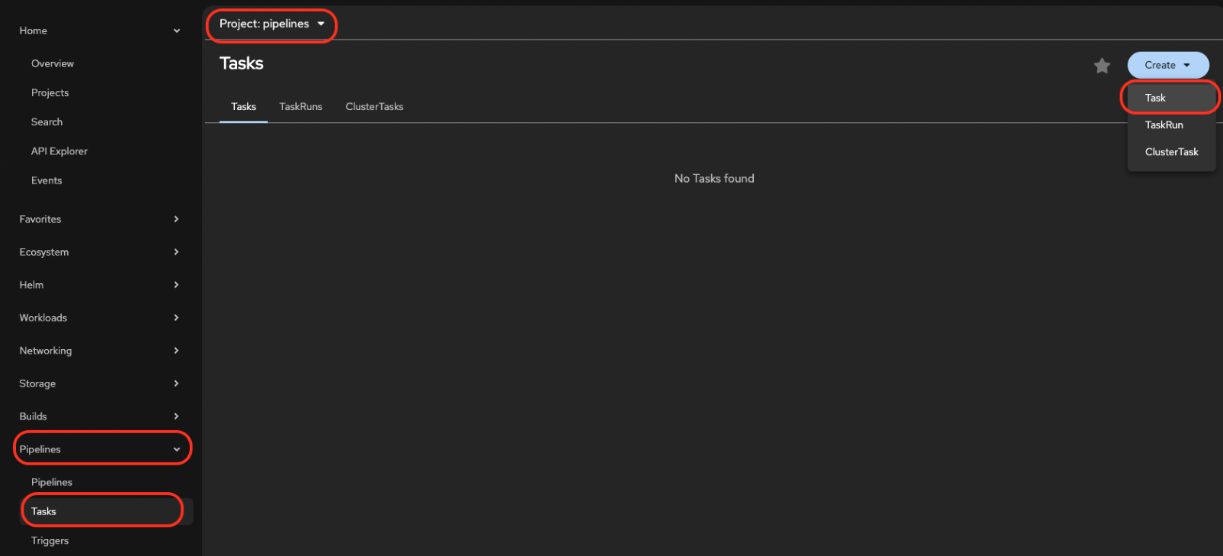
In the console, navigate to the Pipelines section, click on Tasks, create a new task (Figure 1), and paste the contents of each task.
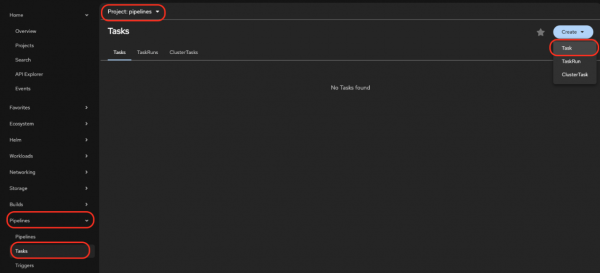
Figure 1: Create the task in Red Hat OpenShift. Alternatively, save the task YAML file locally and run the following command:
oc apply -f
https://raw.githubusercontent.com/rh-telco-tigers/open5gs-test-framework/refs/heads/main/Tasks/all-tasks.yaml -n pipelines
The command above will create the following tasks:
- Environment (
create-environment): Responsible for cloning the open-5gs repositories. Make sure to update thegit-containing-open5gs-helm-chartwith the value of your repository. - Deploy version (
deploy_new_version): Deploys the new Policy Control Function (PCF) version onto the cluster. - Deploy simulator (
deploy-simulator): Updates the configuration in Rebaca ABot. - Test execution (
test-execution-task): Starts the test execution in Rebaca ABot. - Results validation (
results-validation): Retrieves the latest artifact name after the test execution finishes. - Report to Slack (
send-results-to-slack): Sends the test results to Slack. - Promote new version (
promote-new-version): Promotes the image to the integration registry if the test passes, allowing the validated PCF version to progress in the 5G core delivery lifecycle. - Destroy environment (
destroy-environment): Cleans up the environment to prepare for the next pipeline run.
- Environment (
Create the pipeline
With all the individual tasks prepared in the previous step, it's now time to create the full 5G core testing pipeline. The complete definition can be found in the pipeline YAML file.
To create the
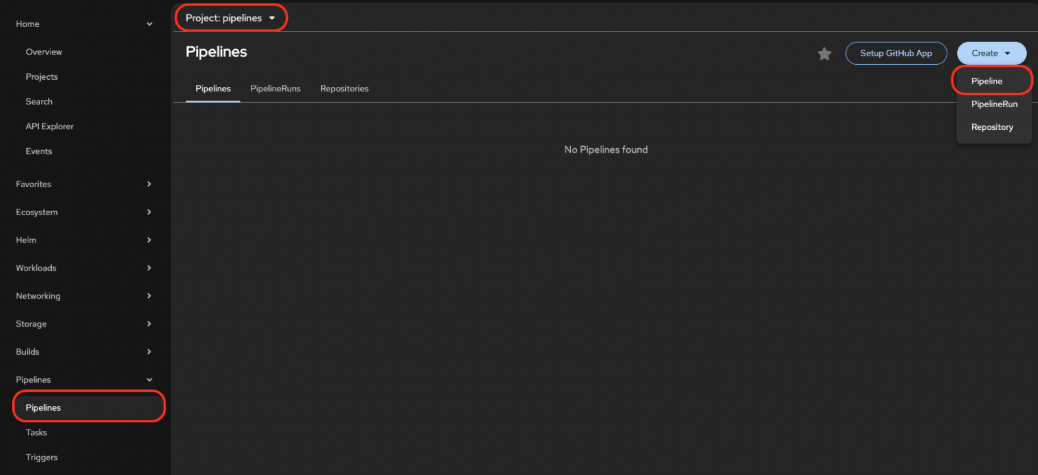
pipeline.yamlfile in your OpenShift cluster, you can either use the OpenShift console or theocCLI.In the console, navigate to the Pipelines section, create a new pipeline (Figure 2), and paste the contents of
pipeline.yaml.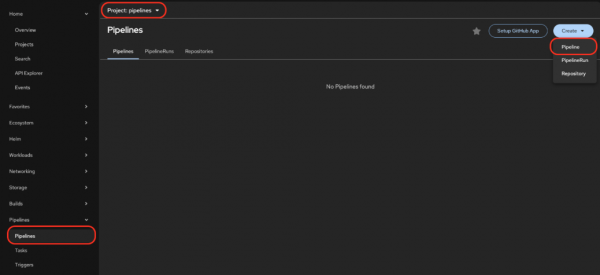
Figure 2: Create the pipeline in Red Hat OpenShift. Alternatively, you can run the following command:
oc apply -f https://raw.githubusercontent.com/rh-telco-tigers/open5gs-test-framework/refs/heads/main/pipeline.yaml
You have now created the testing pipeline that automates the rollout and testing of your 5G core implementation.

