In previous articles, we described the internal entities representing enterprise services in Red Hat Developer Hub and created a simple installation. Now we will explore the configuration and plug-ins provided by Developer Hub to help automate the import of Templates and the use of a GitHub organization for users and groups.
Configuring an upstream Backstage instance can be a daunting task. Red Hat Developer Hub provides many supported integrations to make your existing services easier to use. This article will explain how to enable the dynamic plug-ins provided by Developer Hub and demonstrate integration with GitHub for users, groups, and catalogs. You will learn how Red Hat Developer Hub simplifies the installation and configuration of Backstage allowing teams to focus on their organization rather than configuration.
Importing static catalogs
The previous articles explained how Developer Hub uses the Backstage Software Catalog and its components, resources, and APIs to map out software. To ingest these resources, they need to exist somewhere accessible to Developer Hub, usually in a version control system. A premade repository provides a simple example of how to set up a template repository. The template.yaml file will act as a top-level artifact for Developer Hub to discover templates.
Template.yaml
---
apiVersion: backstage.io/v1alpha1
kind: Location
metadata:
  name: rhdh-skillz
  description: A collection of Example Software Templates for Red Hat Developer Hub
spec:
  type: url
  targets:
    - templates/quarkus-on-openshift/template.yaml
    - templates/argo-onboard/template.yaml
The entity kind “Location” is known to Developer Hub and instructs it to load entities from target URLs. These targets can import nearly any entity in the Backstage Software Catalog, but this example shows the importing of two sample templates as a static catalog.
You must update the application configuration for Developer Hub to include this catalog location.
app-config.yaml
kind: ConfigMap
apiVersion: v1
metadata:
 name: app-config-rhdh
 namespace: rhdh-operator
data:
  app-config.yaml: |
    app:
      title: My Red Hat Developer Hub Instance
    auth:
      environment: development
      providers:
        guest:
          dangerouslyAllowOutsideDevelopment: true
    catalog:
      locations:
        - type: url
          target: https://github.com/rhdh-beginners-guide/rhdh-templates/blob/main/templates.yaml
          rules:
            - allow: [Template]
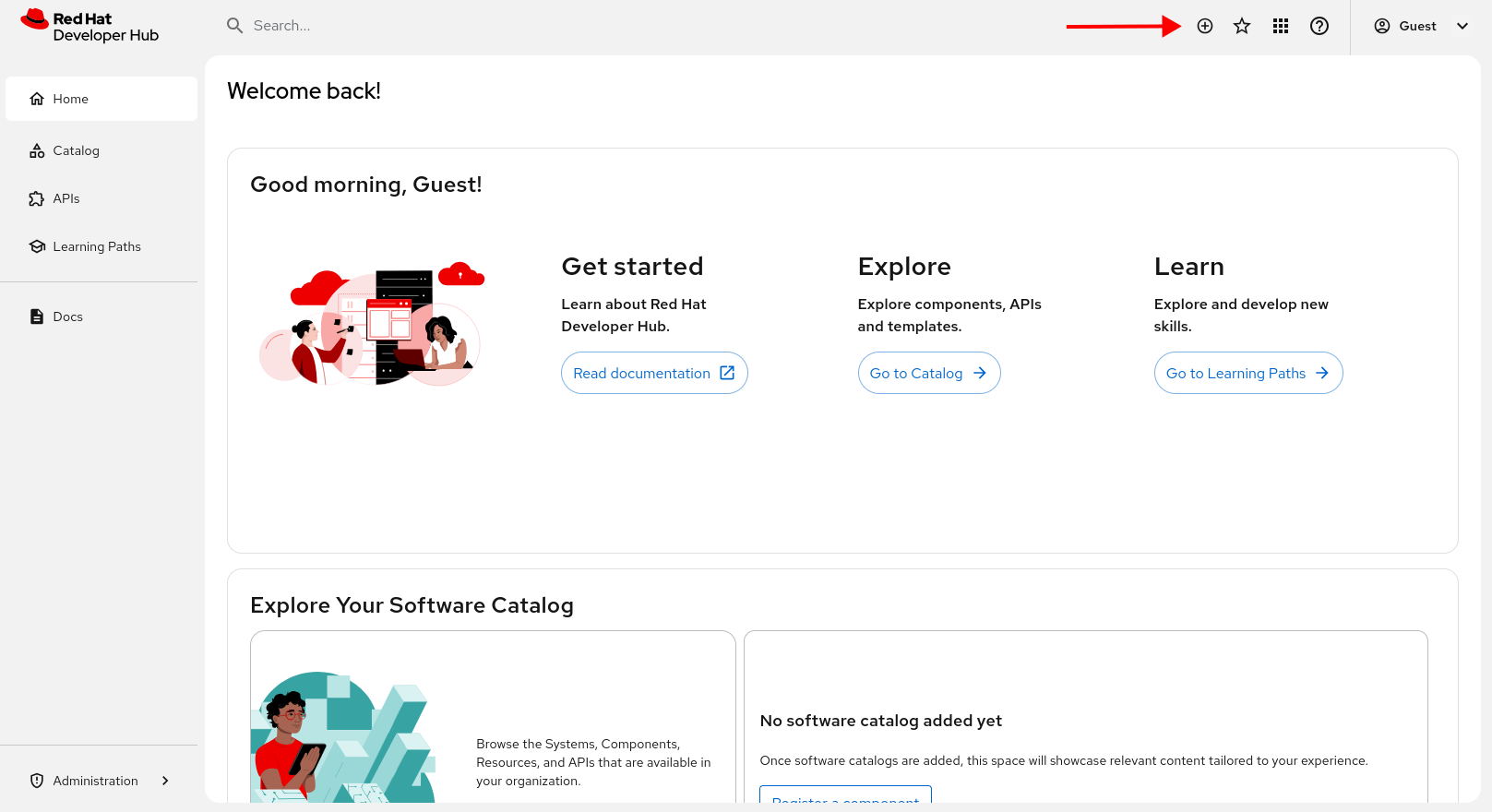
After applying this new configuration, Developer Hub will restart. After a few minutes, the guest user will have access to new self-service catalogs. Press the + button at the top of the UI (Figure 1) to access the self-service screen.
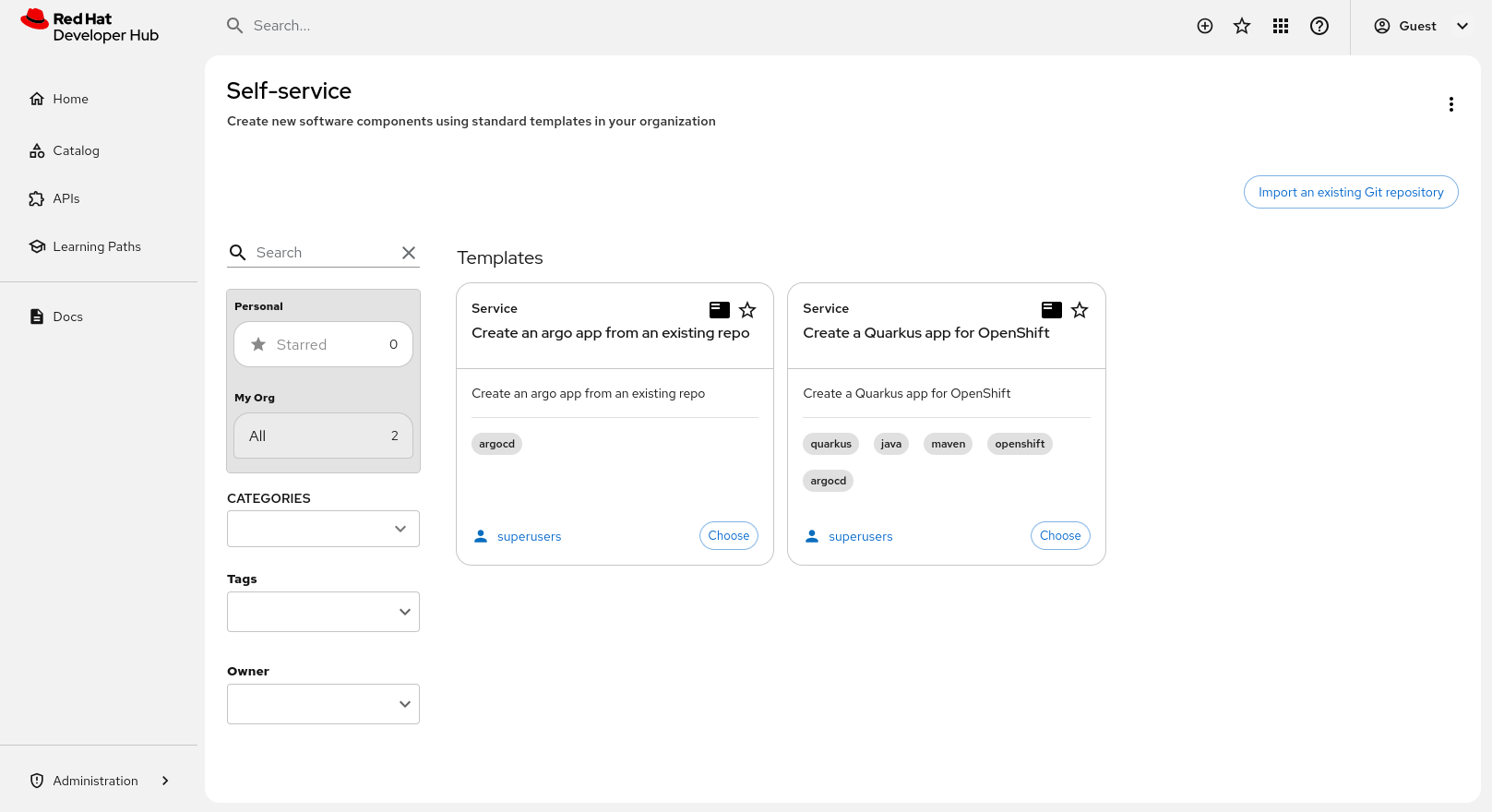
There should now be two catalog items imported from GitHub in the self-service menus (Figure 2). This GitHub location is public and does not require authentication, which you can configure with the appropriate plug-ins.
Note that static import is only one way to import resources. Plug-ins also exist to discover entities from sources such as GitHub.
Integrating with GitHub
A previous article demonstrated how to integrate with GitHub using the Helm install method. Using the operator installation method is largely the same, with the application configuration in a ConfigMap instead of within the Helm release. Additionally, repository discovery will be enabled.
Note: Extra permissions in GitHub will be required over what is listed in the previous article if creating new repositories is desired. Refer to the Backstage GitHub documentation for details.
Prerequisite:
- Set up a GitHub organization and application with correct permissions for Developer Hub as described in the previous article.
Create secrets in OpenShift for GitHub
Next, we will create secrets for GitHub in Red Hat OpenShift. The sensitive values for integration with GitHub will be stored in a secret. This secret will be referenced in your Backstage manifest and the keys will be used in your Developer Hub application configuration file.
kind: Secret
apiVersion: v1
metadata:
 name: github-secrets
 namespace: rhdh-operator
stringData:
 GITHUB_APP_APP_ID: <application id from github>
 GITHUB_APP_CLIENT_ID: <client id from github>
 GITHUB_APP_CLIENT_SECRET: <client secret from github>
 GITHUB_APP_PRIVATE_KEY: <private key from github>
 GITHUB_APP_WEBHOOK_SECRET: <webhook secret>
 GITHUB_APP_WEBHOOK_URL: <webhook url>
 GITHUB_ORG: <your org name>
type: Opaque
Install plug-ins for GitHub
Now that the secret for GitHub has been created, we need to begin to use the secret and update the application configuration with the GitHub configurations.
We must first enable the correct dynamic plug-ins in Developer Hub. This is done via another ConfigMap which is attached to the Backstage CR. This ConfigMap is a list of plug-ins and configurations and whether they should be enabled.
kind: ConfigMap
apiVersion: v1
metadata:
  name: dynamic-plugins-rhdh
  namespace: rhdh-operator
data:
  dynamic-plugins.yaml: |
    includes:
      - dynamic-plugins.default.yaml
    plugins:
     - package:  ./dynamic-plugins/dist/backstage-plugin-catalog-backend-module-github-dynamic
       disabled: false
     - package: ./dynamic-plugins/dist/backstage-plugin-catalog-backend-module-github-org-dynamic
       disabled: false
     - package: ./dynamic-plugins/dist/backstage-plugin-scaffolder-backend-module-github-dynamic
       disabled: false
The Developer Hub application config must be updated with our new auth and integrations with GitHub. This allows Developer Hub to use GitHub as an authentication provider and pull users from the organization we listed in the related secret.
Also note the variables (“${GITHUB_ORG}”) in the ConfigMap. These environment variables will be pulled into Developer Hub from the secrets we created previously and accessible in the application configuration.
kind: ConfigMap
apiVersion: v1
metadata:
  name: app-config-rhdh
  namespace: rhdh-operator
data:
  app-config.yaml: |
    app:
      title: My Red Hat Developer Hub Instance
    catalog:
      providers:
        githubOrg:
          id: production
          githubUrl: "https://github.com"
          orgs: [ "${GITHUB_ORG}" ]

          schedule:

            initialDelay: { minutes: 2 }

            frequency: { hours: 1 }

            timeout: { minutes: 50 }

      locations:

        - type: url

          target: https://github.com/rhdh-beginners-guide/rhdh-templates/blob/main/templates.yaml

          rules:

            - allow: [Template]
    integrations:
      github:
        - host: github.com
          apps:
            - appId: ${GITHUB_APP_APP_ID}
              clientId: ${GITHUB_APP_CLIENT_ID}
              clientSecret: ${GITHUB_APP_CLIENT_SECRET}
              webhookUrl: ${GITHUB_APP_WEBHOOK_URL}
              webhookSecret: ${GITHUB_APP_WEBHOOK_SECRET}
              privateKey: |
                ${GITHUB_APP_PRIVATE_KEY}
    auth:
      environment: production
      providers:
        github:
          production:
            clientId: ${GITHUB_APP_CLIENT_ID}
            clientSecret: ${GITHUB_APP_CLIENT_SECRET}
    signInPage: github
Add the secret to Backstage by updating the CR with .spec.application.extraEnvs.secrets. This will load our secrets as environment variables in the pod when Developer Hub starts.
---
apiVersion: rhdh.redhat.com/v1alpha3
kind: Backstage
metadata:
  name: developer-hub
  labels:
    app.kubernetes.io/name: backstage
  namespace: rhdh-operator
spec:
  application:
    appConfig:
      configMaps:
        - name: app-config-rhdh
      mountPath: /opt/app-root/src
    dynamicPluginsConfigMapName: dynamic-plugins-rhdh
    extraEnvs:
      secrets:
        - name: github-secrets
    extraFiles:
      mountPath: /opt/app-root/src
    replicas: 1
    route:
      enabled: true
  database:
    enableLocalDb: true
After Developer Hub restarts, it will periodically pull users and groups from GitHub. You can manage this configuration with options in the GitHubOrg provider.
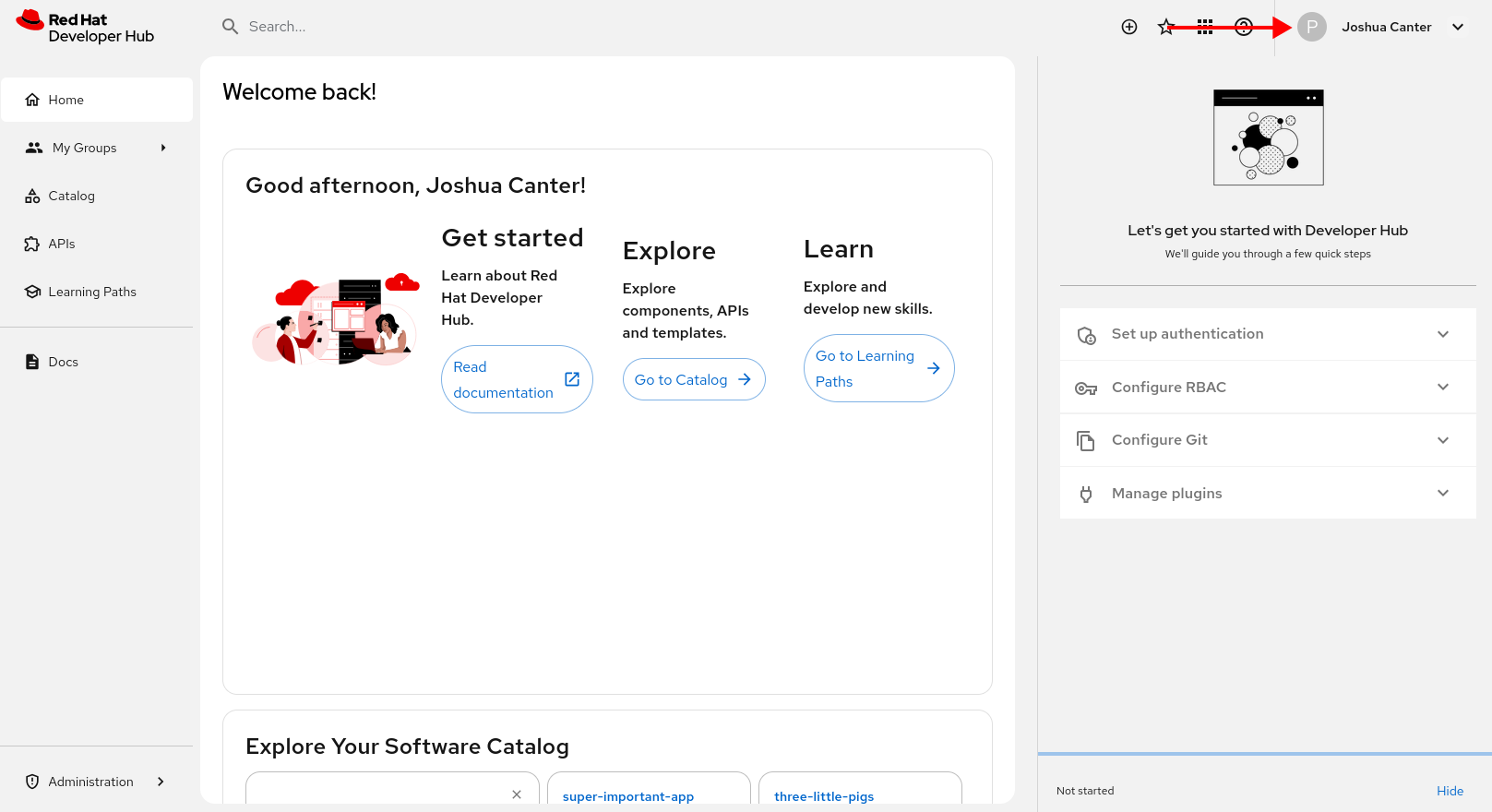
Now users from your GitHub organization can log into Developer Hub (Figure 3).
Wrap up
This article showed users how to import static catalogs, configure dynamic plug-ins, and integrate with GitHub for repository discovery and user/group import. These tools barely scratch the surface of integrations possible with Developer Hub and the rich plug-in library.
In the next article, we will explore another plug-in, allowing integration with Red Hat OpenShift GitOps (based on ArgoCD). Until then, explore the built-in features of Red Hat Developer Hub and integrations that may be important to your business. No test cluster available? Take advantage of the trial to explore Red Hat Developer Hub today.

