Page
Access the Red Hat container registry

The Red Hat Single Sign-On (SSO) extension in the Red Hat build of Podman Desktop allows you to register with a no-cost developer subscription and access the Red Hat container registry for image mode for Red Hat Enterprise Linux (RHEL).
Get the Red Hat extension pack for the Red Hat build of Podman Desktop to access all the Red Hat extensions. The Red Hat extension pack consists of:
- Red Hat OpenShift Local
- Red Hat SSO
- AI Lab
- Red Hat Developer Sandbox
- The
bootcextension
Prerequisites:
- If you do not yet have a Red Hat Developer subscription, register here.
- Download the Red Hat build of Podman Desktop for Windows, MacOS, or Linux (RHEL).
In this lesson, you will:
- Sign in using Red Hat SSO and the Red Hat Authentication extension.
Add the Red Hat extension pack
In this learning path, we will use Red Hat SSO and bootc extension to create and build a bootable container.
Follow these steps to get started:
- Open the Red Hat build of Podman Desktop on your local machine.
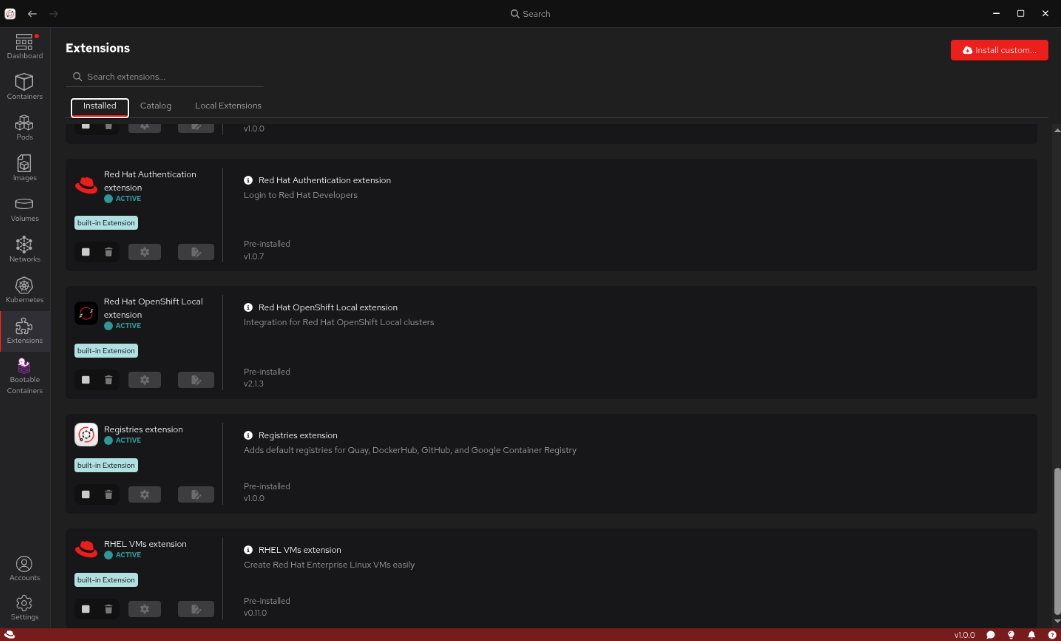
Note: If this is your first time using the Red Hat build of Podman Desktop, you may be prompted to install Podman and set up a Podman machine. Follow those steps before continuing. Because you are using the Red Hat build of Podman Desktop, the bootable container, Red Hat subscriptions, registries, and virtual machine (VM) extensions used through the lab will be pre-installed. Once logged in, go to the Extensions tab and confirm that these extensions are present (Figure 1).
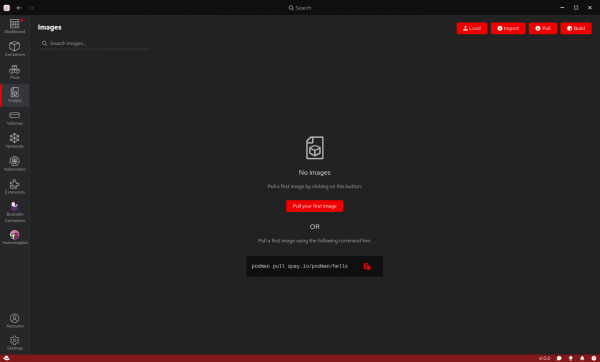
Figure 1: Installed tab of the Extensions section in the Red Hat build of Podman Desktop. You will need to sign in using Red Hat SSO and the Red Hat Authentication extension. Select the Installed tab from the Extensions section and scroll down to locate the Red Hat Authentication extension as shown in Figure 2.
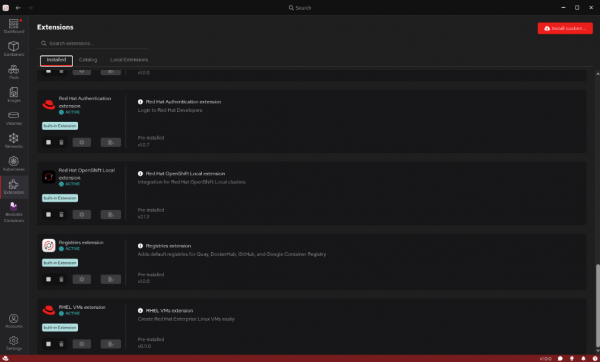
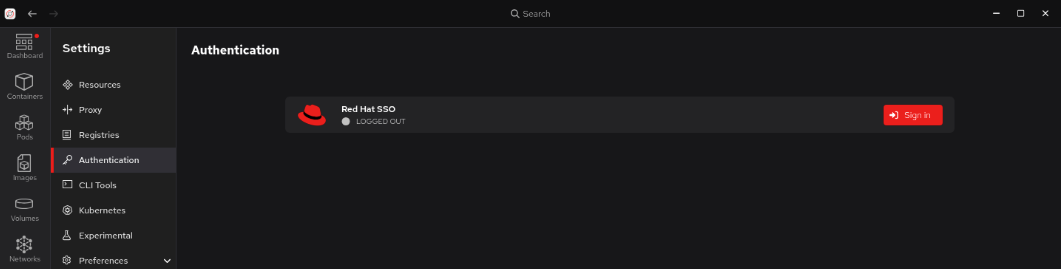
Figure 2: Installed tab of the Extensions section in the Red Hat build of Podman Desktop. Select Settings from the bottom of the left side menu bar and navigate to Authentication. You will see Red Hat SSO listed and that you are currently logged out (Figure 3).
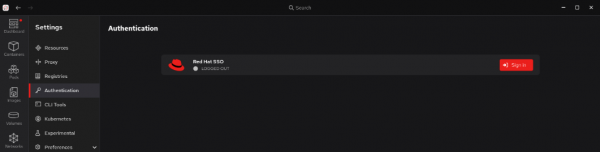
Figure 3: Authentication tab with Red Hat SSO showing as logged out. - Select Sign in to continue.
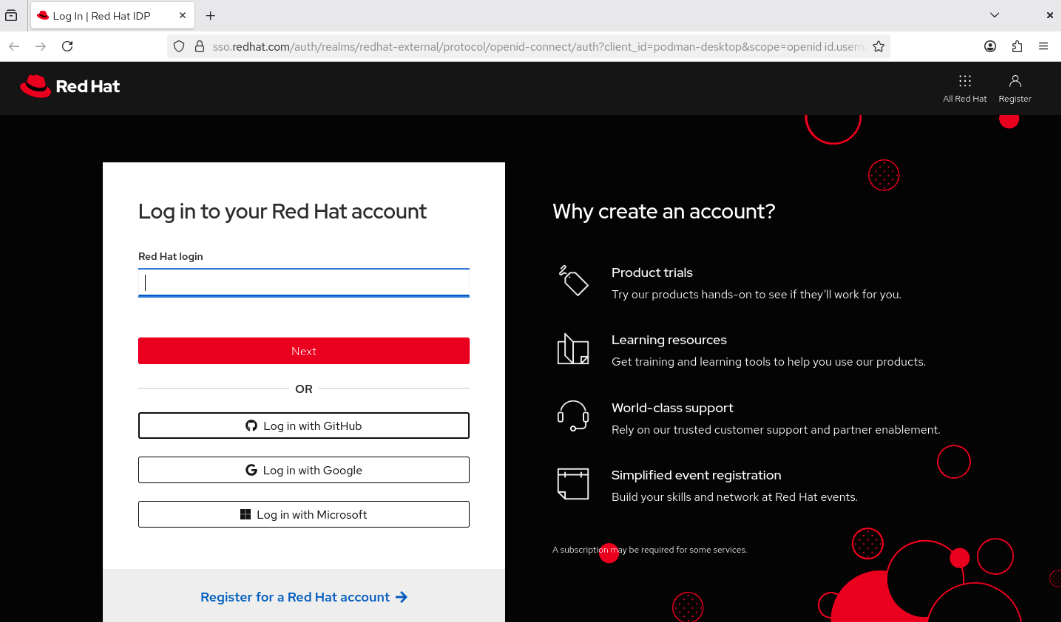
In the new window that opens (Figure 4), enter your Red Hat account login credentials or register and create a developer account if you haven’t already.
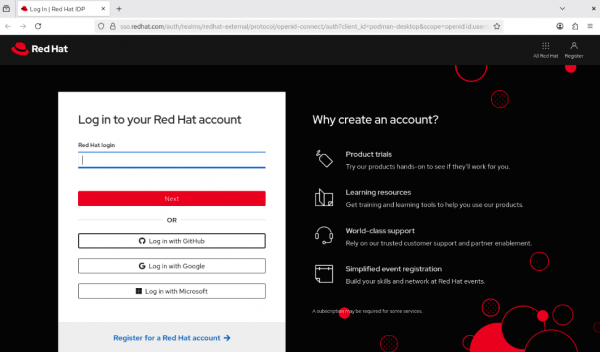
Figure 4: Red Hat account log in page.
Note: The authentication plug-in logs into the Red Hat container registry and runssubscription-manageron thepodman-machine. If you are running Red Hat Enterprise Linux, this will work automatically if on a registered system.- Once you log in, go back to the Red Hat build of Podman Desktop. The status for Red Hat SSO in Settings -> Authentication will update to show that you are logged in.
- Navigate to Settings -> Registries and verify that you have an entry for Red Hat container registry as a configured registry location (Figure 5).
Now that you’ve added the SSO extension and have access to the container registry, it’s time to create a disk image and set up a virtual machine.

